What AI weld monitoring really is (and isn’t)
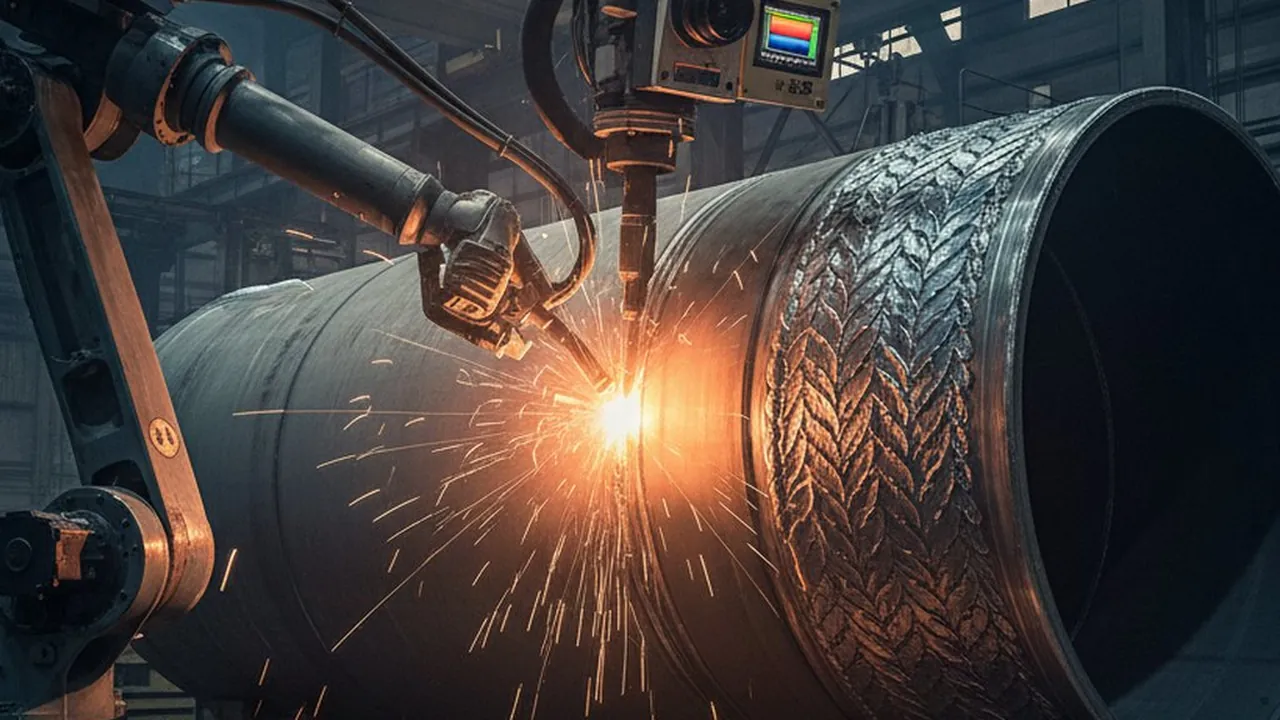
AI weld monitoring augments welders and robots; it does not replace them. It processes thermal, vision, or electrical signals to flag risk and log evidence inline. The goal is faster feedback and better traceability—not another dashboard nobody uses. Done well, it becomes the backbone of end-to-end weld monitoring rather than a bolt-on.
Inputs can include thermal sequences, visible images, plume/spatter signatures, and current/voltage traces. For a modality breakdown, see thermal vs. vision vs. acoustic AI and the thermography guide.
Step 1: Pick the right first use case
Pick welds with
- High scrap or rework minutes
- Customer/OEM clauses or safety impact
- Existing RT/UT findings you can label against
- Stable fixtures so sensor placement stays repeatable
Avoid “science project” pilots with 20 weld types. Start focused and show measurable lift in ROI.
Step 2: Choose sensors and integration points
Choose based on defect modes and cell layout:
- Thermal for heat input, lack of fusion, burn-through (fast, links to microstructure).
- Vision/laser for bead geometry, alignment, missing welds.
- Electrical for arc stability and wire feed issues.
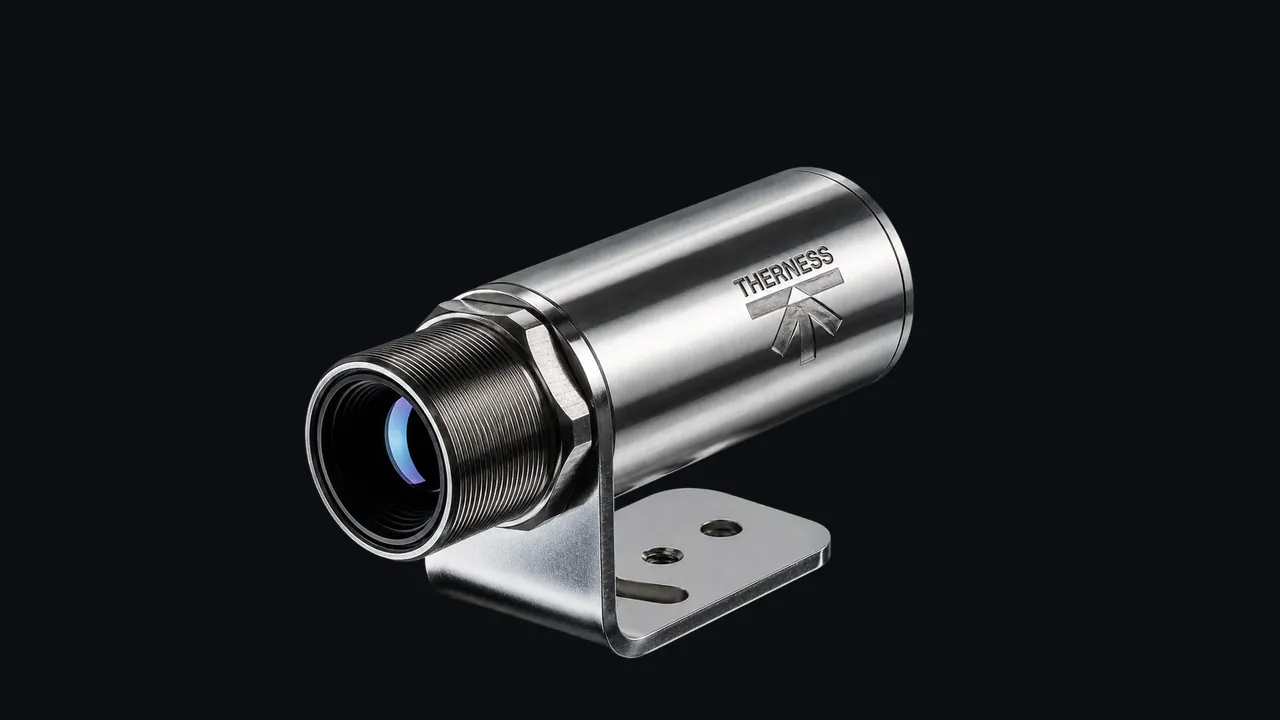
Mount on the robot or a fixed station, and sync triggers with the PLC/robot controller (see an AI weld-monitoring demo on a robotic cell). HeatCore handles both high-speed thermal and electrical signals with edge inference.
Step 3: Collect and label data without killing throughput
Run sensors in shadow mode so production keeps moving. Collect good parts plus known issues. Use existing RT/UT/visual results as labels and map them to timecodes, part IDs, and weld symbols.
Labeling tips
- Keep timestamps and part IDs to align data to weld symbols.
- Capture ambient info (shield gas, wire lot, WPS, operator/robot program).
- Store short clips around alarms for faster review.
Use stratified splits by defect type and run blind reviews to avoid overfitting. Focus on stability across shifts and material batches.
Step 4: Define thresholds and guardrails
Start with simple thermal metrics (e.g., bead width, cooling slopes) and guardrails. Add AI models to reduce false positives and catch subtle anomalies. Keep thresholds tied to acceptance criteria so operators know why an alert matters.
Step 5: Connect to QMS / MES and traceability
Alerts and evidence should land where audits live. Send results with part ID, weld symbol, operator/robot ID, and WPS/PQR reference. This plugs into QMS software and CAPA workflows, and keeps ISO 3834 / EN 1090 traceability straightforward.
Automate rework routing: if a weld fails a threshold, flag the part and push guided instructions to the nearest station. That keeps throughput intact.
Step 6: Measure ROI and scale
Track scrap, rework minutes, NDT spend, and uptime before/after. Use a simplified version of the ROI calculator to show savings. When one cell is stable, clone the setup to the next cell with similar welds. As you scale, compare monitoring hardware to match each cell’s defect modes.
Common pitfalls (and how to dodge them)
- Starting with too many weld types—begin narrow, then expand.
- Ignoring operators—train them early so alarms stick.
- Camera mounting and cleanliness—poor placement ruins data quality.
- Skipping drift checks—schedule periodic requalification against known samples.
If your first rollout scope is automotive spot weld cells, this companion guide on resistance spot welding monitoring for BIW gives a faster station-by-station deployment model.
Add AI weld monitoring to your existing line
Book a scoping call and we will map sensors, data pipelines, and operator alerts to your current cells.
Book an implementation scoping call Explore the monitoring systemTherness solution: Welding monitoring system — Every weld inspected in the cycle, with defect flags and the ISO 3834 / ISO 17635 evidence kept per weld.